

Contensis 17.3 – Campaign tracking, image focal points, and smarter authoring

Creating and publishing great content is only part of the job. Teams also need to plan the activity around it, get more from the content they already have, and stay in control as their digital estate grows.
Contensis 17.3 introduces new tools for managing campaigns, working with images, deploying Blocks, controlling version history, and making everyday content editing easier.
Here's everything new.
Campaign management – track campaign performance on a live dashboard, without leaving Contensis
Marketing teams have always run campaigns around Contensis content, but planning and measuring them often happens elsewhere – across spreadsheets, analytics tools, and manual reports.
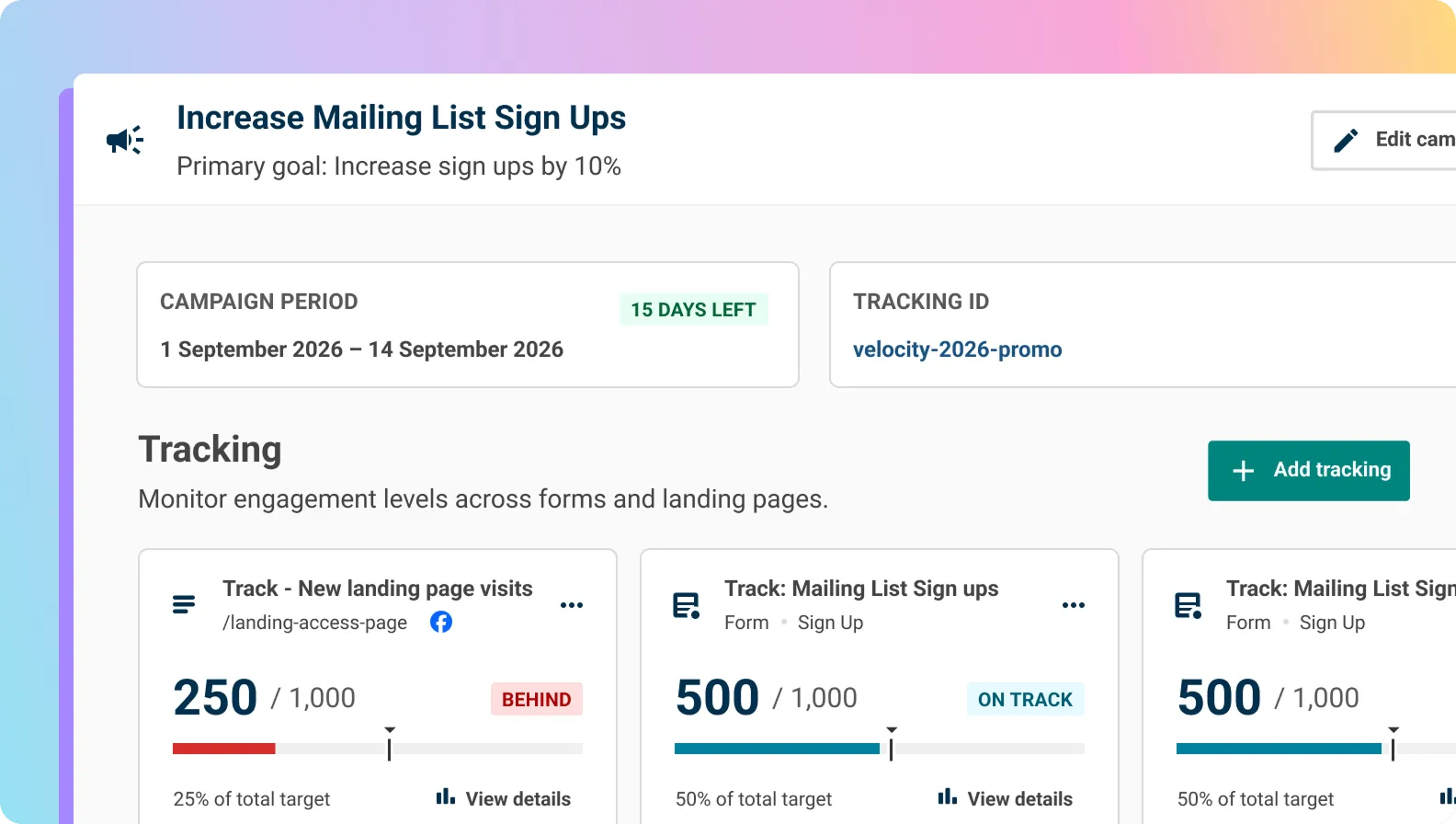
With campaign management, you can create and track campaigns directly in Contensis. Give your campaign a name, date range, goal, and owner, and Contensis brings everything together in a live dashboard, showing progress against your targets.
At launch, you can set targets for responses to published Contensis forms and track progress as submissions come in. Each campaign also gets its own UTM Campaign ID, making it easier to connect incoming activity to the right campaign.
Image focal points – set the subject once and crop it right everywhere
Reuse an image across your site and it can appear in all sorts of shapes and sizes – from wide hero banners to square thumbnails and portrait cards. Until now, automatic crops have defaulted to the centre of an image, which can mean the most important part gets cut out.
With an image focal point, you can mark the part of an image that matters most. Automated crops can then use that point to keep the subject in frame, whatever size or shape the image needs to be. The focal point is stored with the image asset, so you only need to set it once, and you can change it at any time. Manual crops still take precedence, and images without a focal point continue to behave exactly as they do today.
Blocks – environment variables
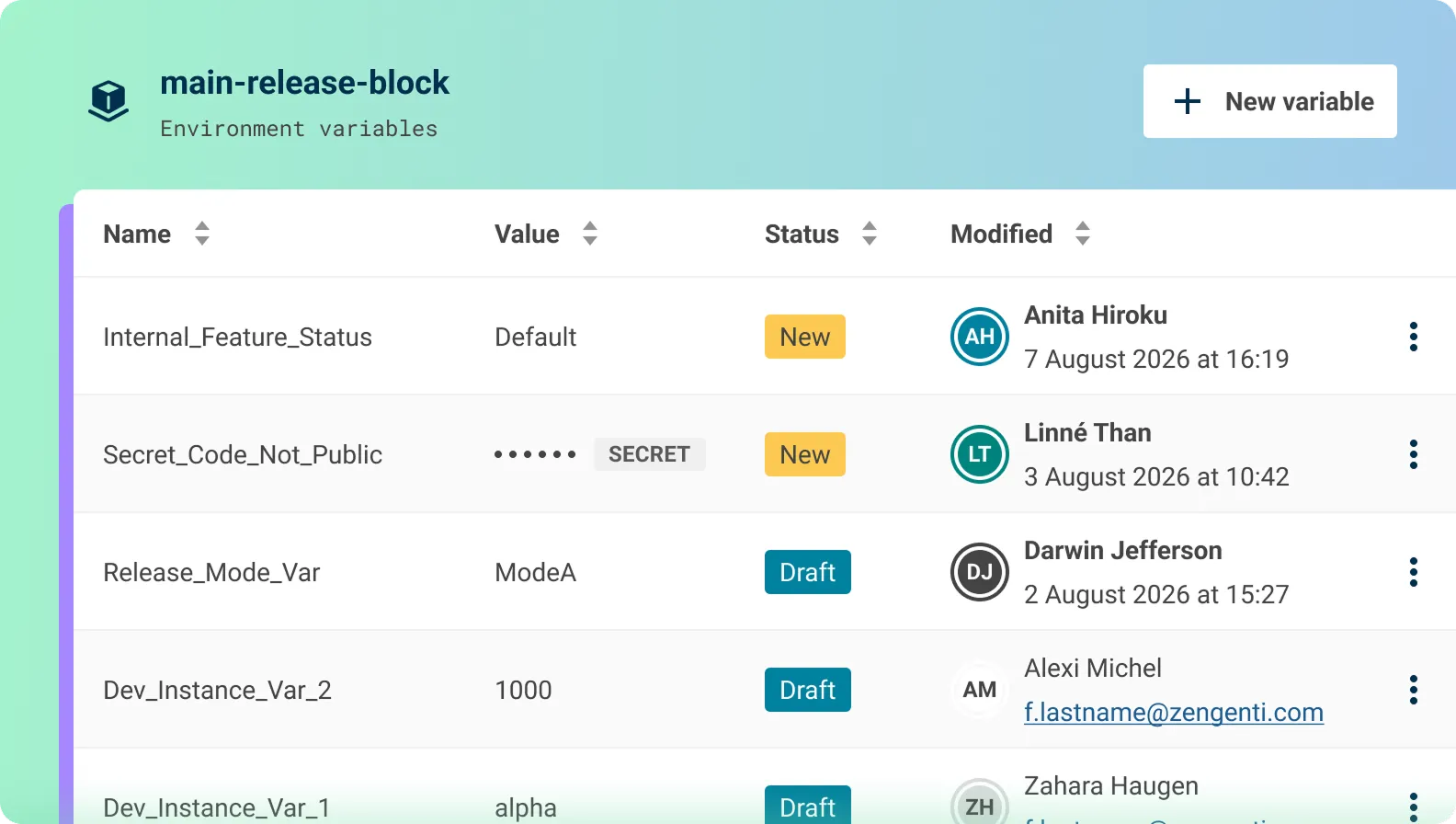
You can now pass configuration values, such as API endpoints or feature flags, to a Block's container at runtime. That means you can point a Block at a different service or switch a feature on or off without rebuilding it.
Sensitive values can be marked as secret so they're hidden once stored, and you can see at a glance which variables are new, modified, or already applied to the running container.
Version history retention – keep the audit trail you need, without letting it build up
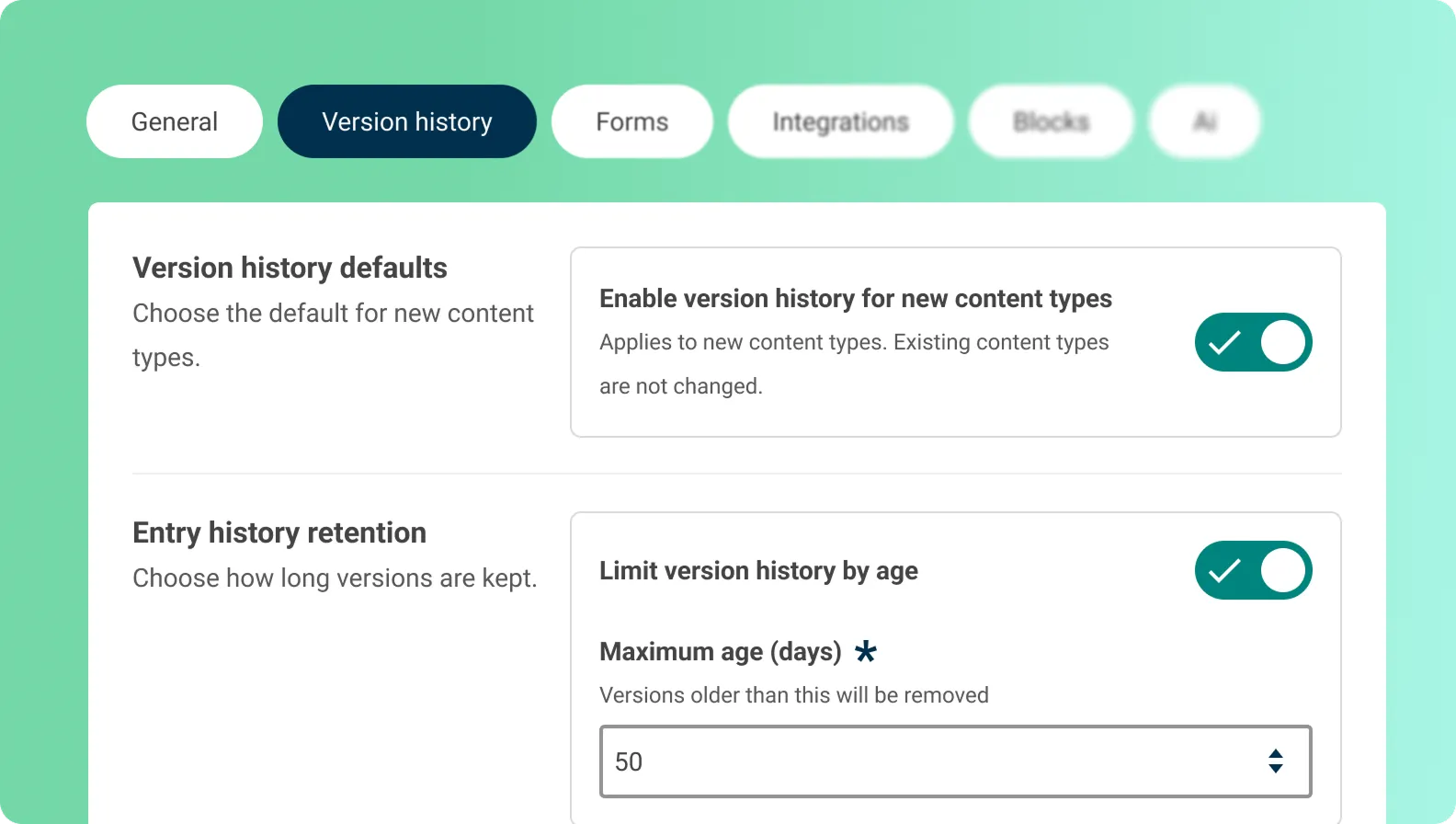
Every entry keeps a version history that records who changed what and when, and it's on by default for all content types. Until now, that history was kept indefinitely.
In 17.3 you can set retention limits to keep the history that matters and let the rest go. Set a default at the project level, and override it for individual content types where you need to – so a content type covering regulated or sensitive material can retain a full trail, while more routine content doesn't build up history you'll never need.
Smarter field editors for authors
This release also introduces new field editors and improvements to existing ones, making everyday content editing easier.
New: Site View node picker
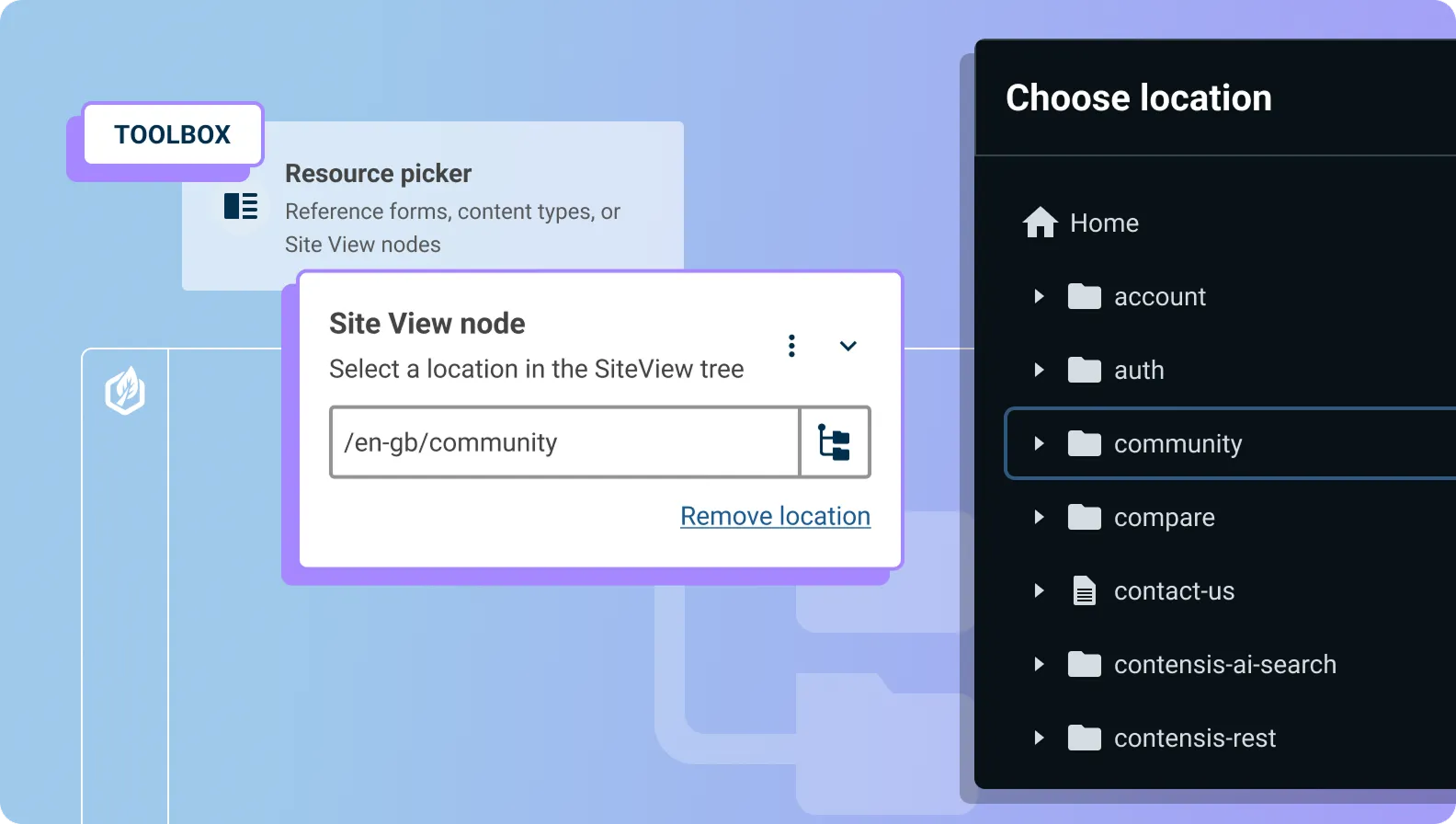
Link entries to exactly the right page, without hunting through URLs, by letting authors select a single node from the Site View tree.
Image field: mark an image as decorative
Make it easier to handle decorative images accessibly. Check the 'This image is decorative' box on an image field with alternative text enabled, and assistive technologies will skip straight past it.
Number field: currency formatting
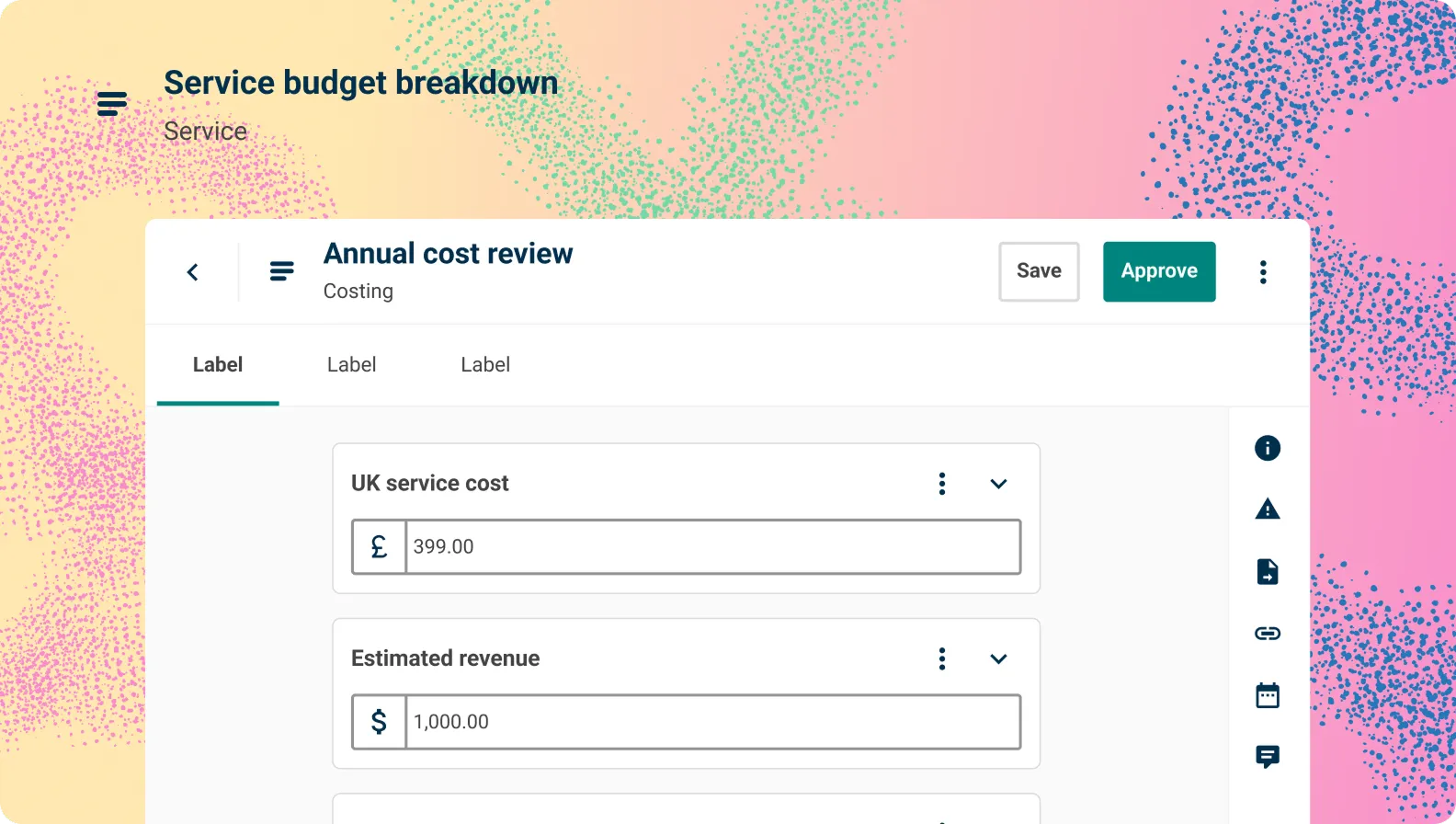
Give authors a friendlier way to enter prices, with a currency symbol and grouping commas, while the stored value stays a plain decimal number underneath.
URL field: video preview
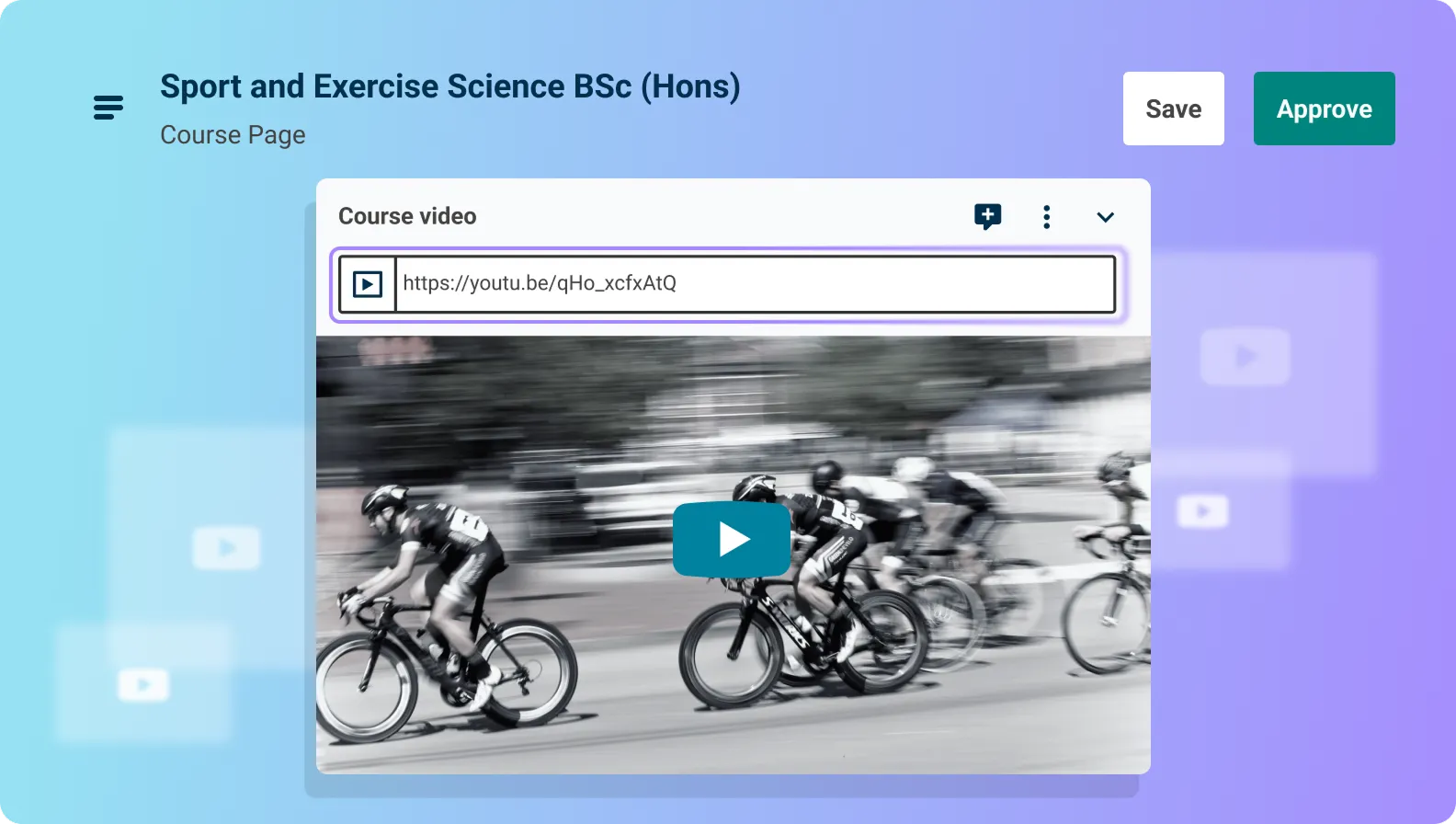
See exactly what you're linking to before you publish, with a live embedded preview beneath any recognised YouTube, Vimeo, or Wistia link.
Upgrade now
If you're ready to upgrade to Contensis 17.3, contact support and we'll help you plan the upgrade and rollout.