
Save time and increase consistency with new Contensis AI tools

Do you enjoy adding alt text? Tagging images? What about writing meta descriptions? Me neither. We all know that accessibility and search optimisation matter, but when you've just put the finishing touches on a landing page or blog post, these tasks demand thinking time that might be better spent on your next piece of content.
Content teams are busier than ever, and it's rarely the big creative decisions that get dropped. It's the careful, detail-oriented work that quietly slips when you're up against a deadline.
That's exactly what Contensis 17.2 is designed to help with. This release introduces a suite of editorial AI features – from a built-in writing assistant and brand voice training, to automatic image tagging and alt text generation – that take the pressure off without cutting corners on the things that matter.
Accelerate editing with AI-powered assistance
Writing good content takes time and judgement. But a lot of the work that surrounds it – adjusting the reading level of a policy page, condensing a lengthy service description into a concise summary, or turning a set of rough notes into a structured introduction – doesn't necessarily require the same creative effort, just consistent application. When you're managing hundreds of pages across a large digital estate, those tasks add up quickly.
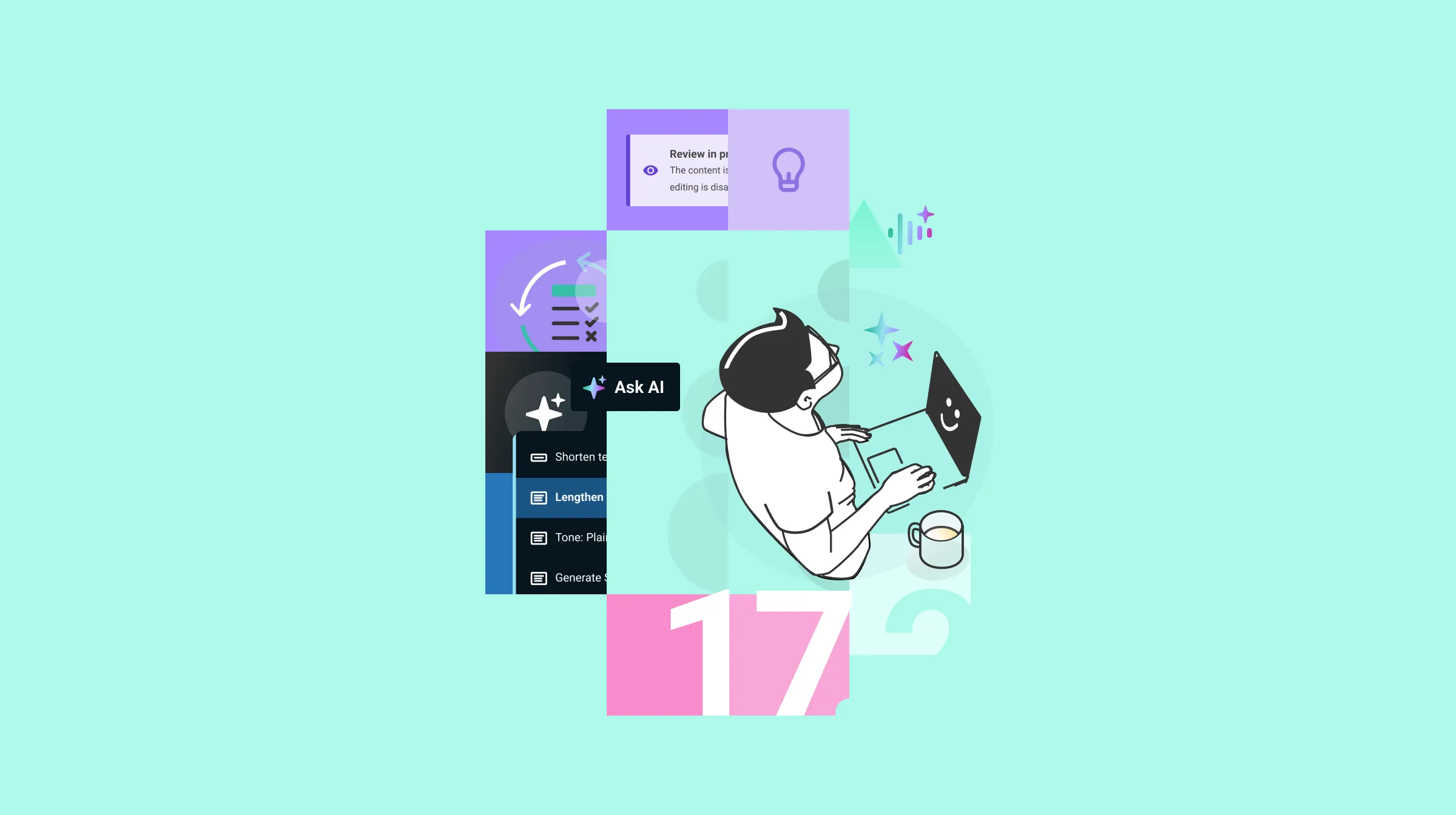
Contensis 17.2 addresses this with Contensis Assist – a chat-like AI panel built into the entry editor that gives you two ways to work with AI, depending on what you're doing and how much guidance you need.
Quick actions in Canvas
For most content teams, Canvas is where the majority of long-form writing and editing happens – blog posts, news articles, policy pages, service descriptions. If you know what you want to do, the quickest route is to select the text you want to work with and choose an action directly from the Canvas toolbar, without opening a separate panel or breaking your flow.
The available actions cover the adjustments that come up most regularly in editorial workflows:
- Shorten or lengthen a passage
- Convert content to plain English, following GOV.UK principles
- Generate an SEO title or meta description
- Produce a TL;DR summary of a longer piece
A local government web editor who needs to convert a dense eligibility section to plain English, for example, can select the relevant passage, choose the plain English action, and have a revised version to review in seconds.
Guided chat across fields
For a more flexible experience, every Canvas and text field in the entry editor features a Chat button that opens Contensis Assist as a conversational panel. Rather than applying a prompt to a specific selection, this gives you a set of starter prompts based on the state of the field you're working in. In a Canvas field populated with content, those prompts include analysing content quality, checking spelling and grammar, summarising content, and generating a TL;DR or SEO description. In an empty Canvas field, the suggestions shift to generating an outline or brainstorming ideas. You can also ignore the starter prompts entirely and type your own instructions, which is useful when you need something more specific than the defaults offer.
The Chat button works across other field types too, not just Canvas. Open it from a title or description field and the prompts adjust accordingly. You can also bring additional fields into the conversation to give the AI more context – if you're generating a description for a long policy page, adding the body field to the chat means the suggestion draws on the actual content rather than the page title alone.
Whichever way you access it, responses appear in the Contensis Assist panel where you can review them, refine them further, or insert them directly into the field.
Ensure consistency with AI Brand Voice
Of course, generating content quickly is only half the challenge. If the output doesn't sound like your organisation, you'll spend as much time editing it into shape as you saved generating it in the first place.
If your organisation publishes content across multiple teams or departments, you'll already know that maintaining a consistent voice is harder than it sounds. A central style guide helps, but it can only do so much when you have dozens of contributors working independently under their own deadlines. Some will follow it closely, others less so, and over time the gaps show. Bring AI into the mix and the stakes get higher – if your AI tools aren't grounded in your organisation's voice, you risk publishing content at scale that sounds like it could have come from anywhere.
Brand Voice addresses this by letting you train Contensis on your own content. Rather than trying to describe your tone in the abstract, you simply add examples of your organisation's writing – either by pasting content in directly or providing a set of URLs – and Contensis analyses them to define your voice automatically. It's a more reliable starting point than asking contributors to interpret a style guide, because it's based on what your organisation actually publishes rather than what it intends to.
The resulting voice profile covers everything from tone and personality to sentence structure, vocabulary choices, and reading level. You can review and adjust each of these manually, which is useful if the training content doesn't fully represent the voice you're aiming for. You can also configure a set of language preferences to apply across all content generated using that voice:
- Set a preferred reading level, overriding the one detected in your training content
- Specify whether to use gender-neutral nouns and pronouns
- Avoid idioms, slang, and acronyms for clearer language
- Add a list of words or phrases that should never appear in your content
For organisations writing for audiences whose first language isn't English, or where certain language is restricted for legal or compliance reasons, these settings can make a meaningful difference to output quality.
You can also create multiple brand voices and assign them to different content types, which is where the feature earns its keep in larger organisations. A university might need its academic research blogs to read very differently from its undergraduate prospectus. A council might apply different conventions to specialist areas like planning or building control, while its main user journeys follow GOV.UK writing principles. Once a brand voice is assigned to a content type, it's applied automatically whenever AI features are used there – authors get consistent, on-brand output without having to make any conscious effort to achieve it.
For organisations where brand consistency is a compliance requirement as much as an editorial one, Brand Voice includes the governance controls you'd expect from other areas of Contensis. Permissions mean that only authorised users can create, edit, publish, or assign brand voices, so your defined voice can't be changed by someone who shouldn't be changing it. Version history gives you a clear record of what was modified and by whom, and every significant action is captured in the audit log – useful if you ever need to demonstrate that your content standards have been properly maintained, or to understand how a voice has evolved over time.
Improve accessibility and SEO with AI-generated image metadata
Writing good alt text takes more care than it might seem. It needs to be descriptive enough to be useful to someone relying on a screen reader, but concise enough not to become unwieldy. When you multiply that across every image in a busy content pipeline, it's easy to see why it often gets rushed – or even skipped altogether.
Contensis 17.2 lets you generate titles, descriptions, alt text, and keyword tags for any image directly from the asset gallery or an image field in the entry editor. A single click on the AI shimmer icon alongside each field produces a suggestion you can review, edit, and save before publishing.
Nothing is applied automatically – a generated alt text might be accurate, but only you know whether it's right for your content and your audience. Review, edit if needed, and save when you're happy.
Alt text, titles, descriptions, and keywords each play a different role – from helping screen reader users understand what an image shows, to making assets easier to find and reuse as your library grows. If you're managing a library of thousands of product images, campaign assets, or press photography, keeping all of that metadata complete and accurate is no small task, and it's often where things slip when schedules are tight. Being able to generate it in a click, review it, and move on makes it a lot easier to get right consistently.
Enable AI where you need it
AI is enabled at the project level in Contensis, which means you can choose to turn it on for some projects in your environment while leaving others unchanged – useful if your organisation has different requirements across different sites or teams. Every configuration change is captured in the audit log, so there's always a clear record of who enabled AI in a project and when.
Speed up your own content creation with Contensis AI features
If you're an existing Contensis customer, raise a support request to upgrade to 17.2 and start exploring the new AI features. If you'd like a walkthrough before you upgrade, get in touch and we'll arrange a demo tailored to your organisation's setup.
Not yet using Contensis? Request a demo to see how the new AI tools – alongside Contensis's content management, governance, and delivery features – can help your team publish better content, more consistently.