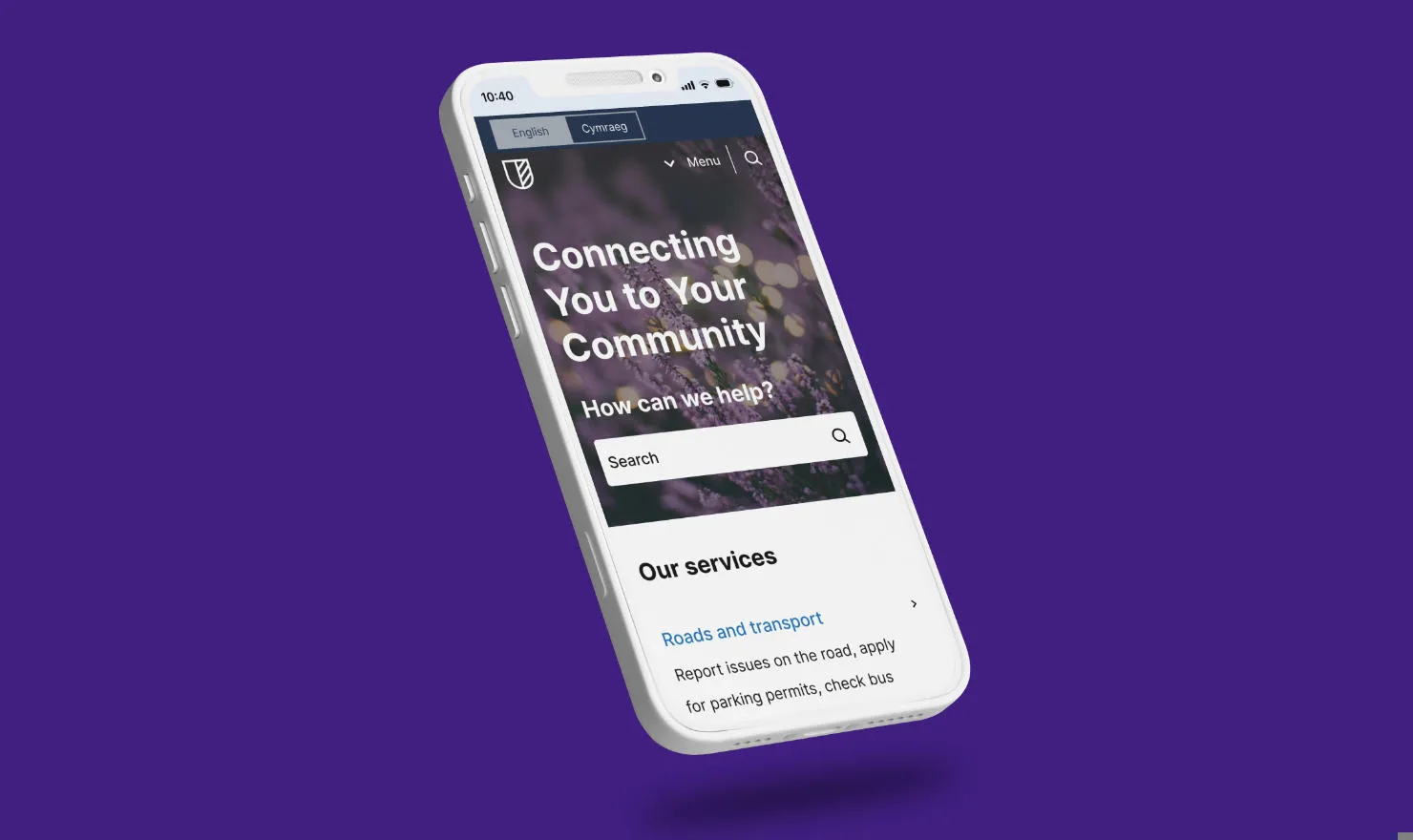

What's new in Contensis for Councils v2.2.5

The latest Contensis for Councils release (v2.2.5) is now available from your instance. This update introduces a helpful new Canvas feature for editors, improves usability across key areas and includes several fixes focused on accessibility and content rendering.
New features
These new features are now available when working in Canvas fields:
- Abbreviations: Editors can now add definitions for abbreviations and acronyms within Canvas fields. This improves clarity for users and supports accessibility by ensuring shortened terms are easy to understand, particularly for service-specific language and council terminology.
- Anchor’s away: We’ve enabled auto-scrolling to page anchors when navigating to a URL containing a hashtag (#) anchor. This means users will now be taken directly to the relevant section of a page when following links to specific headings or content areas.
Improvements
This release includes a set of refinements designed to improve both the editor experience and the experience for site visitors:
- Measure me this: We've reduced the default radius from 10 miles to 5 miles across Page: Location Listing entries.
- Contacts: We've added ‘visually hidden’ labels to Social Links used in the Contacts component, helping devices and assistive technologies understand when a link will open in a new tab.
- I link your style: Text links in Canvas fields now render with underlined styling as standard for improved visibility and consistency.
Bug fixes
We’ve also resolved several issues to improve navigation, accessibility, and component rendering:
- Take me home, country road: We've fixed an issue where the browser Back button wouldn’t return users to the previous page after viewing a Page: Location Listing in preview and live.
- Alert banner: We've fixed colour contrast when text links exist within an alert.
- Quote: We've fixed a rendering issue with the
CitationandURLfields in the Quote component when used inside a Canvas field. - Unique ID attributes: We've resolved occurrences of duplicate IDs to prevent errors with assistive technologies.
Try it out
Ready to explore what’s new? If you're currently using Contensis for Councils, you can preview and activate version v2.2.5 directly from your CMS:
- Go to Blocks in the left sidebar.
- Select contensis-for-councils from the list.
- Find the Block labelled v2.2.5.
- Click Preview to test the new version.
- Use the 3-dot menu and Make live.
- Confirm to push it to production.
About Contensis for Councils
Contensis for Councils is an out-of-the-box website solution for modern local government organisations. While it was originally designed for use by councils, due to its ease of use it has also been adopted by other public sector organisations, including NHS trusts, both for public-facing websites as well as microsites and intranets.
Built in React, it's available free of charge to any organisation with a Contensis license and is maintained by our dedicated team of developers with help and input from the Contensis for Councils community.
To learn more visit the Contensis for Councils landing page, check out the demo site, or get in touch for a personalised demonstration.
Related blog posts
What's new in Contensis for Councils v2.2.0?