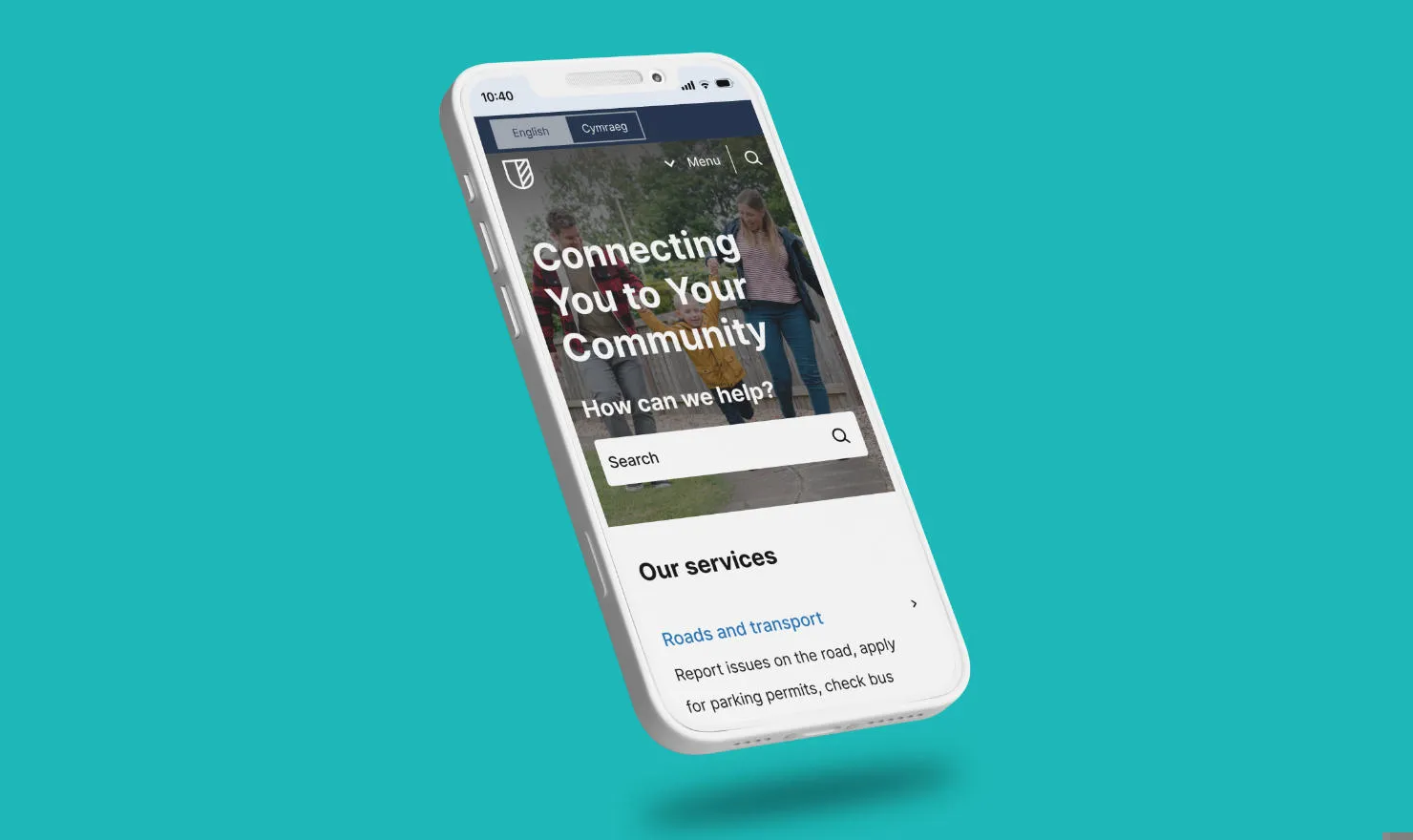

What's new in Contensis for Councils v2.0.0?

This release delivers a major upgrade to your content editing experience, along with brand-new components, usability improvements, and a smoother way to manage multilingual and dynamic content.
We’re thrilled to announce that the latest Contensis for Councils release (v2.0.0) is now available.
Breaking change rollout: Rich Text to Canvas
This release introduces a key structural improvement – a programmatic swap from Rich Text fields to Canvas fields across key components.
- The change affects the Accordion and Assets components.
- All existing data – including content and links – has been migrated automatically.
- No manual work or editorial input is required.
This update ensures all Contensis for Councils projects enjoy a consistent editing experience when using the Canvas field editor. It’s a behind-the-scenes change that simplifies content creation and improves reliability for editors.
New features
This release also introduces several exciting new components that help councils showcase information in more dynamic, user-friendly ways.
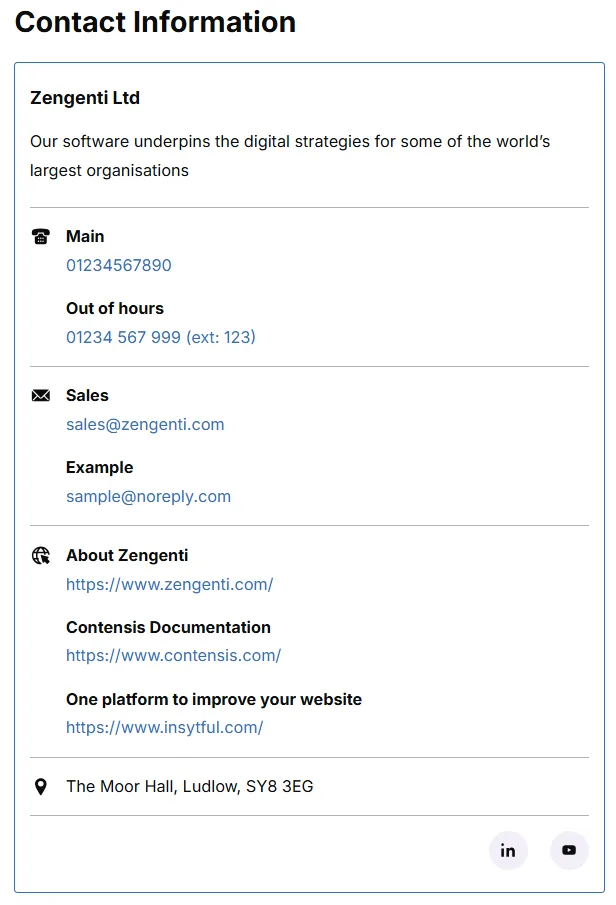
Contact info
Add a stylish contact section anywhere in your site using the new Contacts component.
It draws from the Data: Contact Card content type - your single source of truth for reusable contact information.
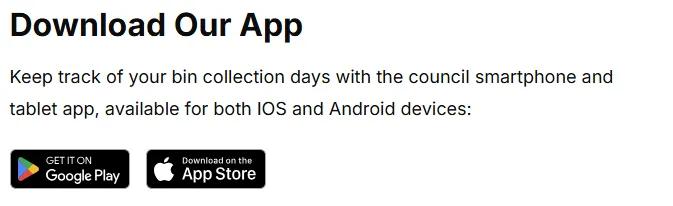
App buttons
The new App Store component makes it easy to promote your mobile app. Add it to an entry canvas to include download buttons for the Apple App Store and Google Play.
Featured cards
Use the new Featured component to spotlight key content on your homepage. It automatically displays the icon, title and description set via entry Meta UI Card, making it perfect for showcasing high-value services or campaigns.
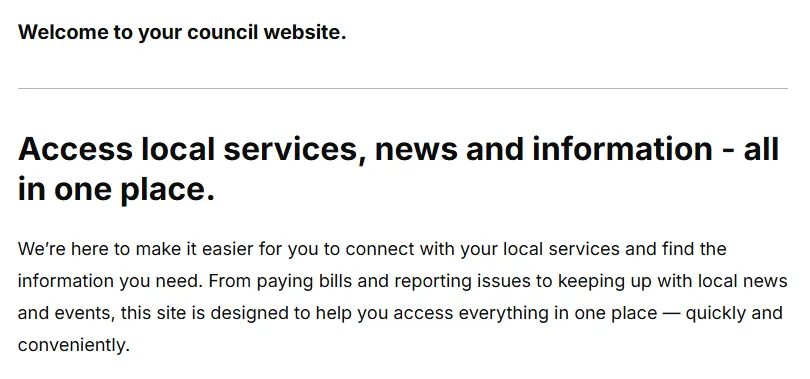
Text-splanation
The Text canvas component allows you to add introductory text blocks to your Homepage or Landing page entries – perfect for short summaries or helpful context.
Improvements
We’ve refined the Contensis for Councils experience across multiple areas to make your sites even smoother to manage.
- Social types: Expanded range of social icons, configurable via your Site Config.
- Editable search label: You can now change the “How can we help?” text above the homepage search bar using the Searchbar Label field.
- Events nostalgia: Past events (with expired dates) will no longer display in event listings but will remain searchable until unpublished.
- Resolving routes: We've improved routing logic for links pointing to custom content types, ensuring smoother navigation for tailored site structures.
- Service header: The language switch button will now only render for multilingual sites.
- Location listings: Items are now ordered alphabetically by default, unless a postcode radius search is triggered.
Try it out
You can explore everything new in your latest Block preview of Contensis for Councils. To view and release the new updates:
- Go to Blocks in the left sidebar.
- Select contensis-for-councils from the list.
- Find version v2.0.0.
- Press Preview to test the updates.
- Press the 3-dot menu and Make live, then confirm.
Once live, your site will start benefiting from all the new features and improvements right away.
Related blog posts

What's new in Contensis for Councils v1.1.3?