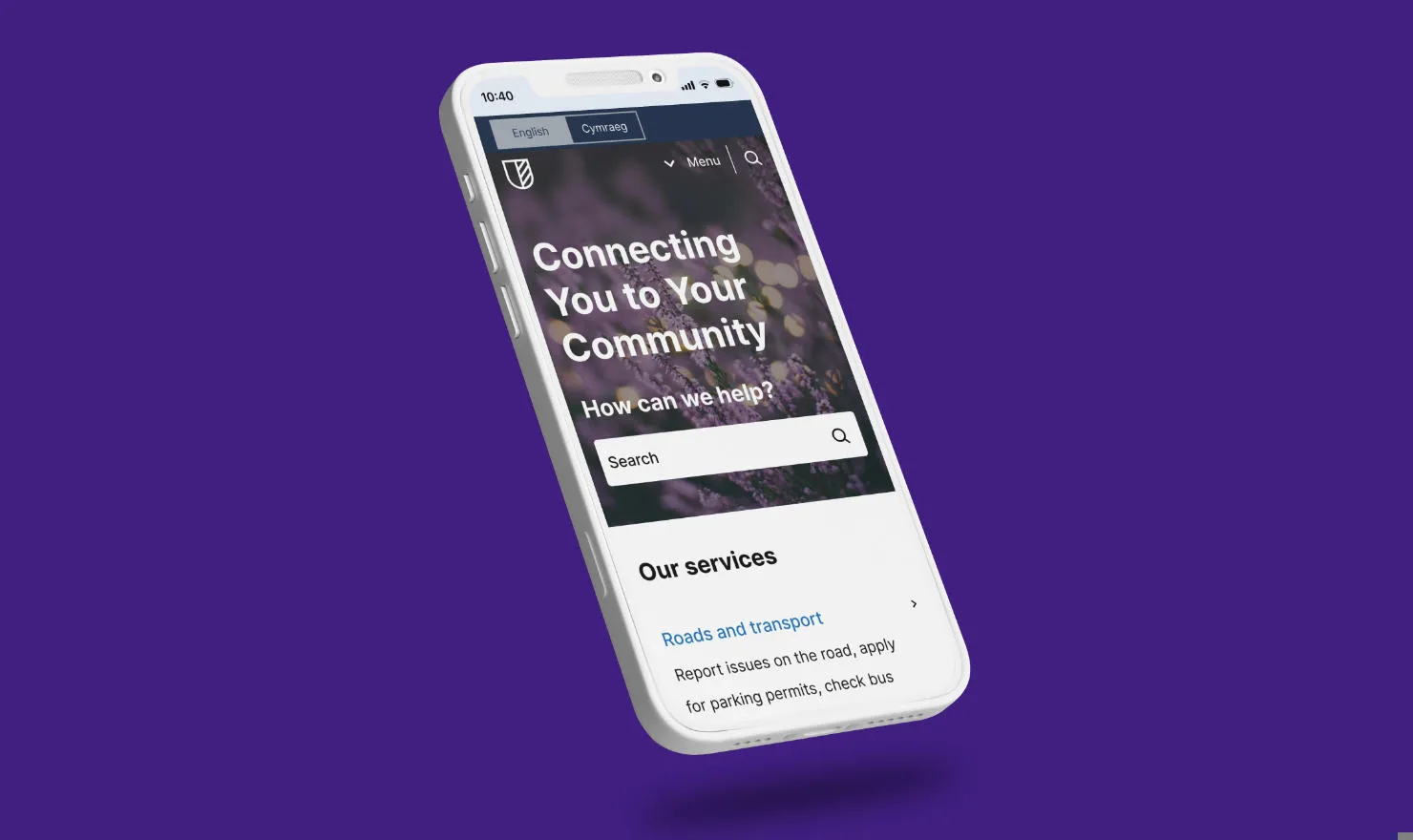

What's new in Contensis for Councils v2.2.0?

A brand new Contensis for Councils release (v2.2.0) is now available from your instance. This update brings a helpful new search substitution feature, a range of bug fixes, and usability improvements to make your experience smoother and more flexible.
New feature: search substitution
This release introduces an incredibly useful search substitution feature – designed especially for phased site launches.
You can now temporarily override the default Contensis for Councils search results page (SERP) with an alternative URL. This allows you to redirect users to an existing site’s search page while your new site content is still being built out and published.
How to set it up:
- Open your Site Config entry.
- Click the Search tab.
- Expand the Search Config section.
- Click Add search config.
- Enter your URL and Query Parameter details.
- Save and Publish the entry.
Improvements
We’ve also included several refinements to improve search usability, navigation, and accessibility:
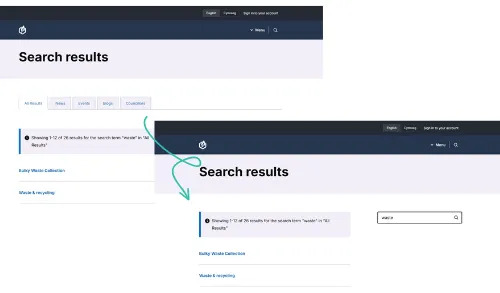
- Search facets: If all facets are set to false in your Site Config, no facet tabs will appear on the Search Listing page.
- Link routing: For published/live entries, the header and footer logo links – and breadcrumb links – now force browser navigation if no current entry version exists. This ensures the request triggers the load balancer and maintains site stability.
- Image alt text: We've removed the system requirement for alt text in specific components, giving editors full control over when to mark images as decorative or add descriptive alt text. This applies to the following fields:
- Hero Image on Home entries
- Any image used in Meta UI Card
- Image on Banner entries
- Hero Image on entries such as Article, Contact, Event, Location, and more.
Bug fixes
We’ve tackled a handful of pesky issues in this release to make your editing and viewing experience more reliable and consistent:
- Null checks: Fixed a page error that could occur when key details were missing on Councillor entries.
- Space man: Tidied up spacing between Accordion titles and content for a cleaner layout.
- Social: Updated the Bluesky icon so it now correctly follows your configured colour theme.
- Image dimensions: Prevented cases where images could render with
<width/height=0>if API properties failed to load. - Oops I encoded again: Fixed an issue where URLs were being encoded twice when using the Link component inside a Canvas.
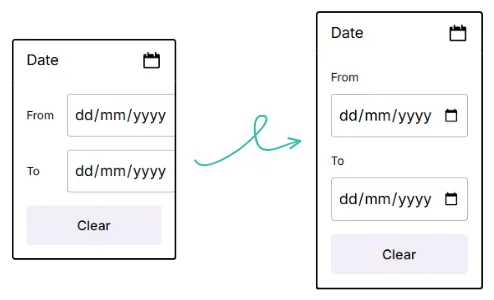
- Event date filter: Adjusted the date picker width on Event Listings to display properly.
Try it out
Ready to explore what’s new? You can preview and activate version v2.2.0 directly from your CMS.
- Go to Blocks in the left sidebar.
- Select contensis-for-councils from the list.
- Find the Block labelled v2.2.0.
- Click Preview to test the new version.
- Use the 3-dot menu and Make live.
- Confirm to push it to production.
Related blog posts

What's new in Contensis for Councils v1.1.3?