

Rich text field
Log in to add to favouritesPage last updated 13 August 2026
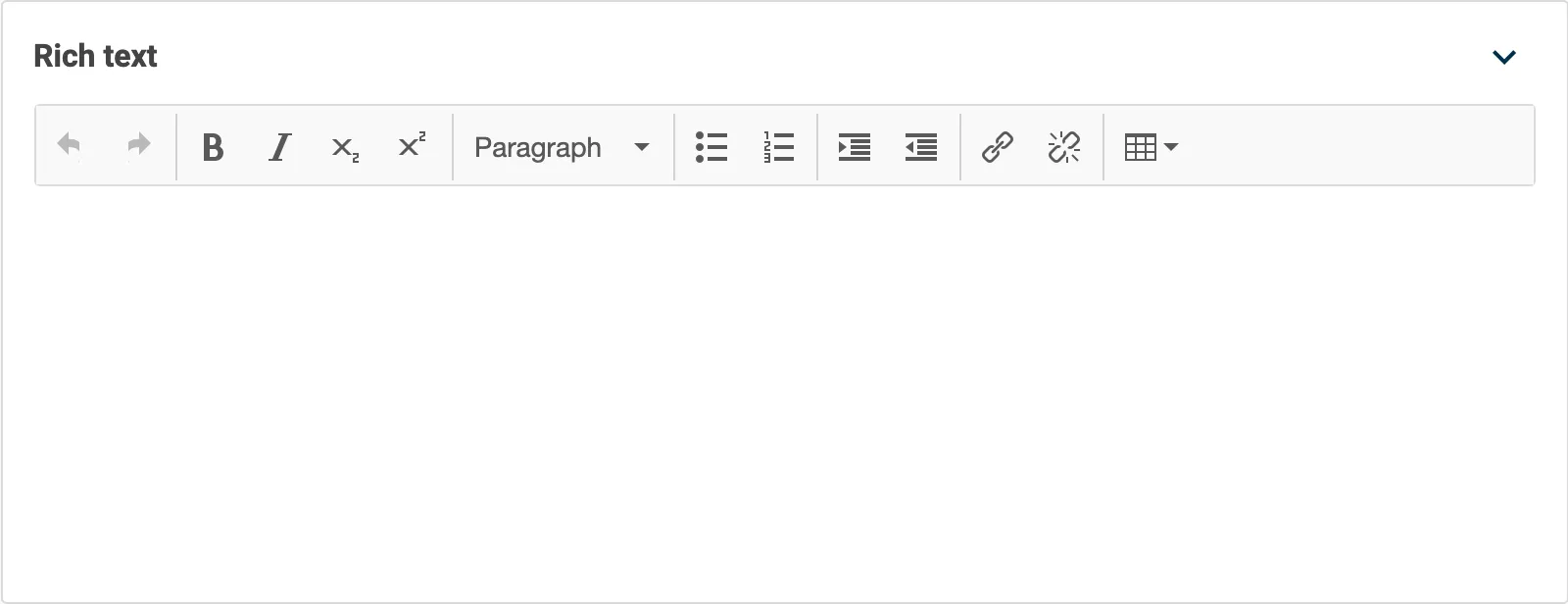
The Rich Text Editor allows you to create blocks of rich text, including headings, lists, bold, italic and hyperlinks.
The editor is powered by the TinyMCE editor. Contensis automatically strips out any invalid HTML, including <span> tags, empty tags, and style attributes.
Appearance
Settings
| Setting name | Summary |
|---|---|
| Name | A text label to identify the field in an entry. |
| Field ID | A sanitised name to be used by the API. |
| Read only | Prevents authors from editing the field in the entry editor. |
| Allow multiple items to be added | Makes the field repeatable so you can create a list of items. |
Supported validation
This field editor supports the following validation methods:
Properties
Common properties
| Property name | Summary |
|---|---|
| Placeholder text | The placeholder property provides a short hint describing the expected value of a field. |
| Content guidelines | Provides guidance about the content you should add to the field. |
| Size | Determines the size of the rendered editor in the entry editor. The default value is set to Medium. |
| Field visibility | Determines if the field should be displayed in the collapsed state when opening the entry editor. |