

Markdown field
Log in to add to favouritesPage last updated 13 August 2026
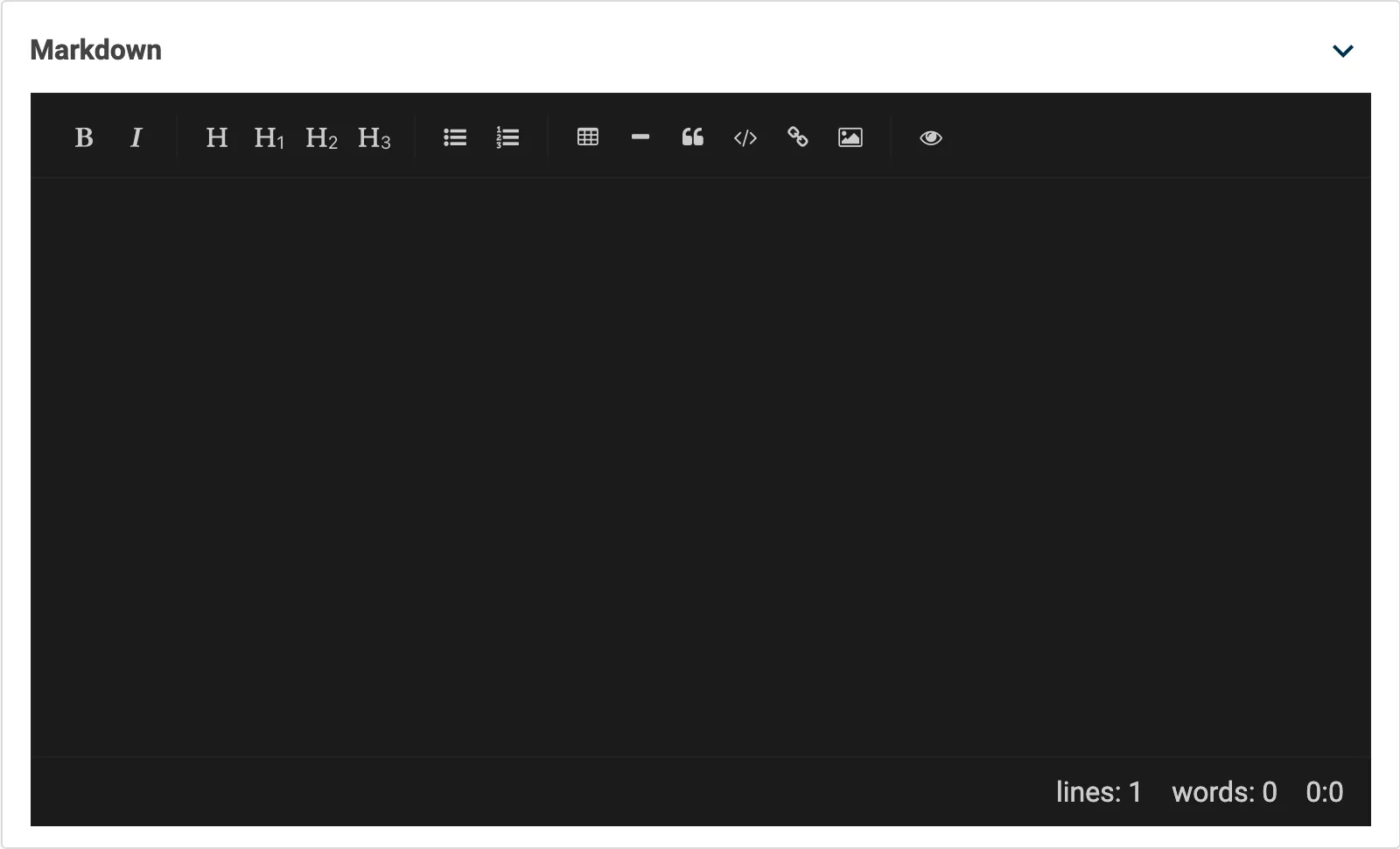
The Markdown editor allows you to write blocks of content using the Markdown syntax. Contensis uses the SimpleMDE Markdown editor as it provides a rich toolset, including a full-screen mode.
Limitations
The content entered into the Markdown editor is stored and returned through the Delivery API as pure Markdown. Any links or images referenced in the Markdown editor have to be external as we do not parse the Markdown content.
Appearance
Settings
| Setting name | Summary |
|---|---|
| Name | A text label to identify the field in an entry. |
| Field ID | A sanitised name to be used by the API. |
| Read only | Prevents authors from editing the field in the entry editor. |
| Allow multiple items to be added | Makes the field repeatable so you can create a list of items. |
Supported validation
This field editor supports the following validation methods:
Properties
Common properties
| Property name | Summary |
|---|---|
| Content guidelines | Provides guidance about the content you should add to the field. |
| Size | Determines the size of the rendered editor in the entry editor. The default value is set to Medium. |
| Field visibility | Determines if the field should be displayed in the collapsed state when opening the entry editor. |
Show toolbar
Turn off the editor toolbar if you want to hide it. Without the toolbar, you need to know how to write Markdown syntax.
The default is set to Off.
Show status
This setting changes the visibility of the character and word count below the Markdown editor.
The default is set to Off.
Allow fullscreen
It's possible to edit Markdown in a full-screen window within Contensis. This setting determines if authors should be allowed to enter full-screen mode.
The default is set to Off.
Dark theme
This setting changes the Markdown editor to user the dark theme, rather than the default white theme.
The default is set to Off.