
Rotation
Log in to add to favouritesPage last updated 07 October 2026
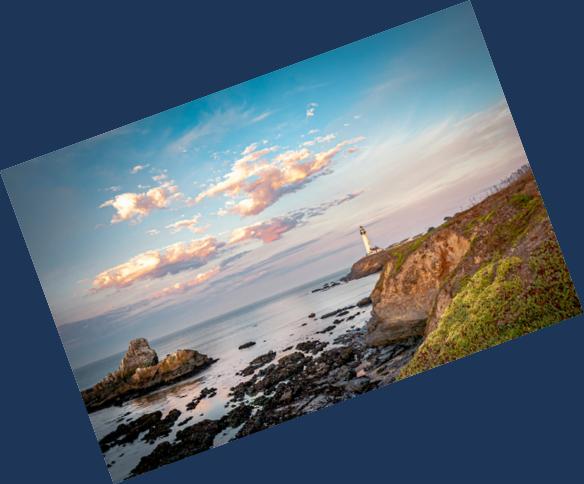
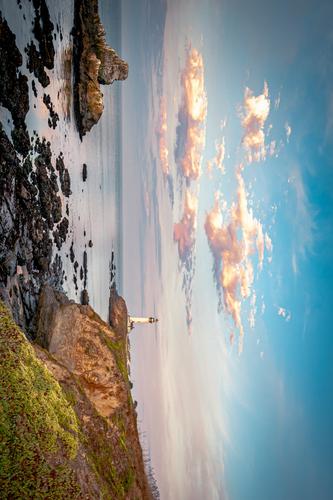
The rotate or r parameter allows you to rotate an image by any arbitrary angle in degrees. The value is an integer between 1 and 359, rotating the image clockwise. If the angle is not a multiple of 90 then a rectangular bounding box is added containing the rotated image and empty space, the background color can be specified by the background or bg parameter hex value, given after the rotation. Without a background colour the empty space is transparent, which appears black in formats that cannot store transparency, such as JPEG.
Rotate by 90 degrees
Rotate by 180 degrees
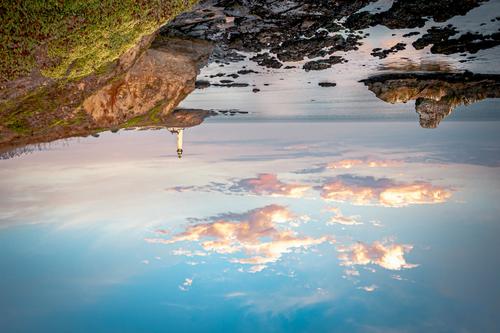
Rotate by 340 degrees