
Content type builder
Our flexible content type builder allows you to build an authoring experience that suits the shape of your content and the requirements of your authors.
Structure your content from the moment it's created
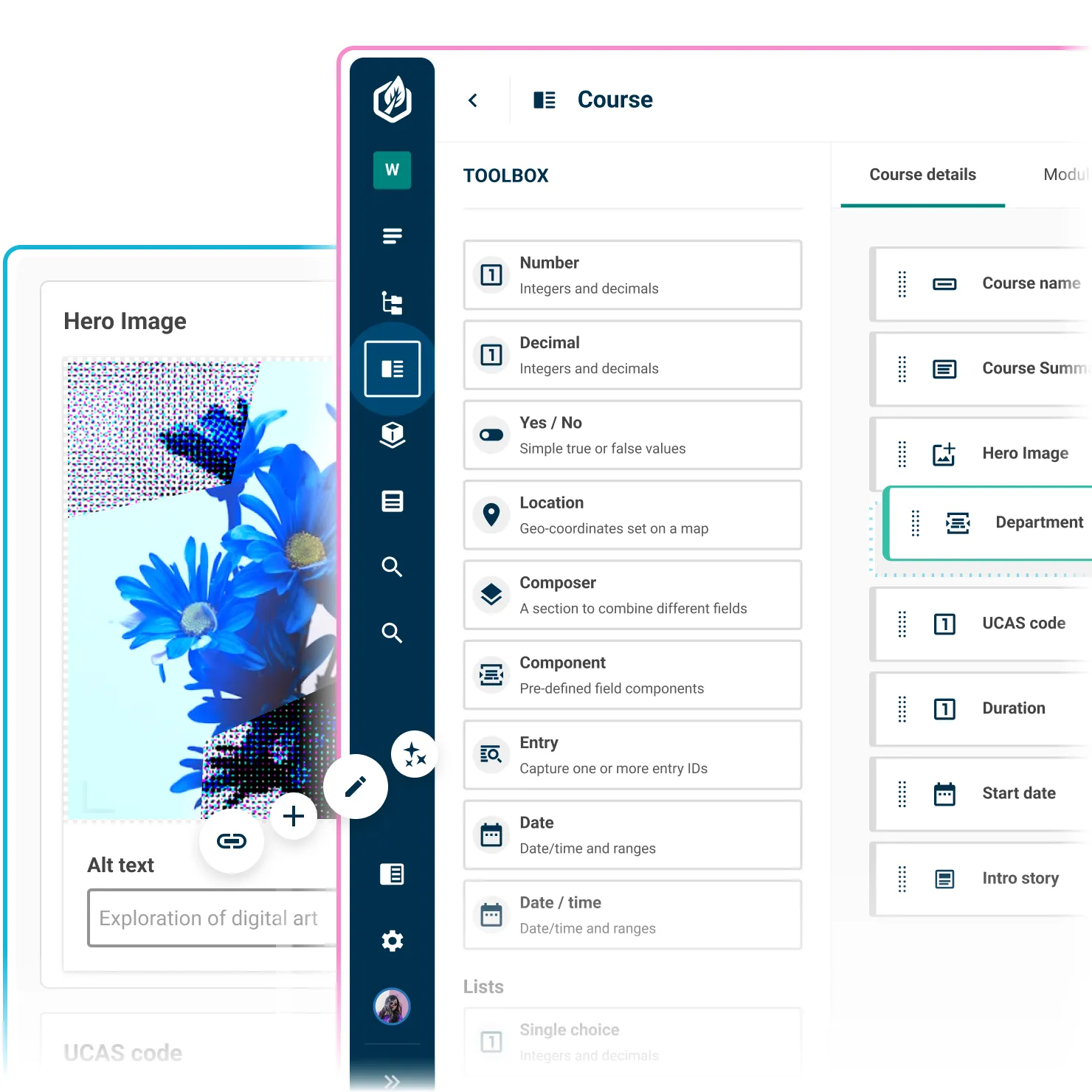
Choose from over 30 field types and editors, from phone numbers to custom components. Each field type is purpose-built for a specific kind of data, so content is entered in a consistent and structured way from the start – making it easier to display, search, filter, and reuse, however it's consumed.

Help authors get it right every time
Help content authors create effective, consistent and on-brand content by adding content guidelines to fields and tabs. Provide instructions on organisational standards for style, tone, accuracy, accessibility, and legal requirements.

Catch content errors before they go live
Make fields required, set min and max character limits or values, and add custom regular expressions to ensure content matches specific patterns. Validation rules run when content is saved, so authors know immediately if something is missing rather than hearing about it after it goes live.

Create flexible landing page builders
Add composer fields to content types and allow teams to create flexible page layouts built from structured, reusable blocks. Specify which fields types authors can add, reorder and remove to build on-brand and accessible pages.

Extend your content model with custom components
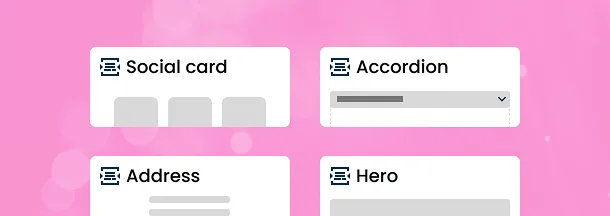
Group fields together to create reusable components for content such as social cards, accordions, addresses, or landing page elements that you can drop into any content type. Nest components inside other components to model complex design system patterns and use them in composers to build rich landing pages.
Give authors a distraction-free editing experience
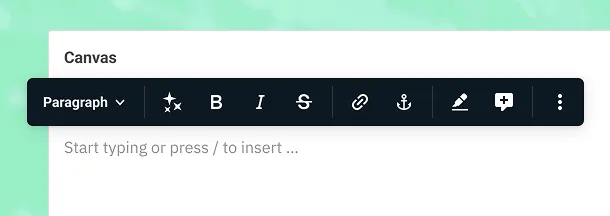
Canvas, our block-based text editor, provides a distraction-free editing experience for writing articles, policies or other long-form content. It supports slash commands and Markdown in a similar way to apps like Notion or Google Docs. Canvas stores content as JSON, making it easy to reuse and restyle across multiple platforms.
Set the right workflow for every piece of content
Set a publishing workflow for each content type so the right people sign off at the right stage without relying on email chains or shared spreadsheets. Choose a basic workflow that allows authors to publish content immediately, an approval workflow that requires approval from designated users before it can be published, or create your own multi-step custom workflow.

Break complex content types into tabs
Tabs allow you to organise and group related fields together, making it easier for authors to navigate and manage content in the entry editor. Tab-level permissions make it possible to control which roles sees each tab, so teams only work with the fields that belong to them.

Control who can change your model
Protect the integrity of your content model and data by limiting who can create and manage content types. Grant users seperate permissions to create, update, publish and delete a content type.

See who changed what and when
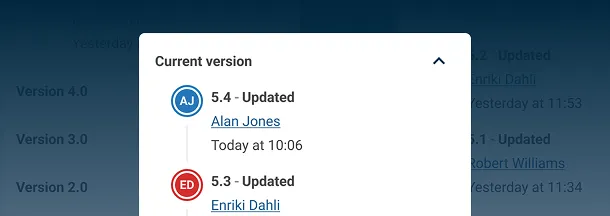
Track changes to your content model using the activity stream in the information panel of the content type builder. It shows all recent workflow events, grouped by version number. Each entry highlights when the change was made and who made it.
Compare versions side by side
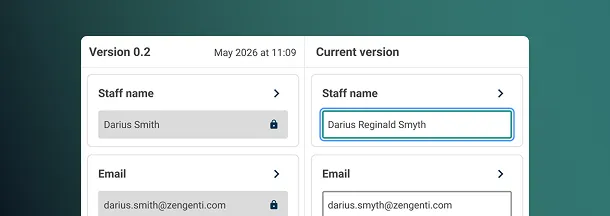
Need to understand the impact of a change? Use the version history panel to compare two versions side by side. A JSON diff view highlights exactly what’s been added, removed, or modified – perfect for reviews, migrations, or debugging.