

Asset field
Log in to add to favouritesPage last updated 13 August 2026
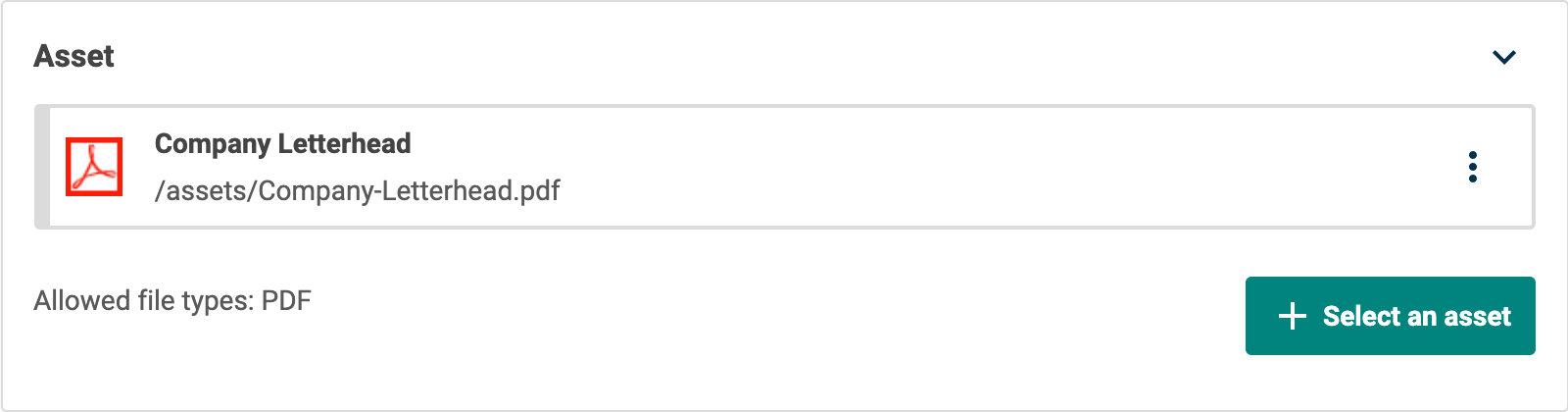
Use this field editor to select one or more file assets uploaded to Contensis.
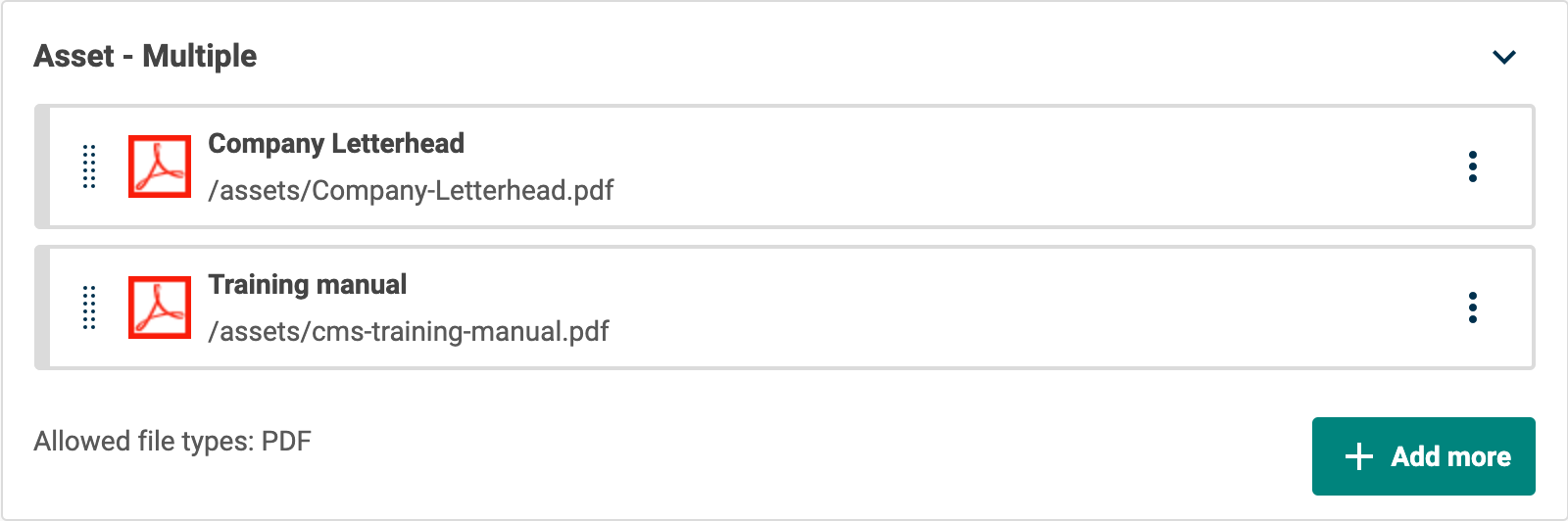
Selection is made in an asset gallery. Single or multiple selection of assets is determined by the multiple selection field setting.
Appearance
Settings
| Setting name | Summary |
|---|---|
| Name | A text label to identify the field in an entry. |
| Field ID | A sanitised name to be used by the API. |
| Multiple selection | Allows you to select multiple assets. |
| Read only | Prevents authors from editing the field in the entry editor. |
Supported validation
This field editor supports the following validation methods:
Properties
Common properties
| Property name | Summary |
|---|---|
| Content guidelines | Provides guidance about the content you should add to the field. |
| Field visibility | Determines if the field should be displayed in the collapsed state when opening the entry editor. |
Type
The display of available assets in the gallery will be restricted to show only those types selected in the Type drop-down list.
The drop-down list is populated with asset types supported by the current project.
Upload
The upload field setting allows you to control whether you will be able to upload assets to the field. Assets will be uploaded to the folder set in the search box. The ability for a user to upload an asset is determined by their role permissions.
Limit the display of assets
This property determines what assets should be displayed in the asset gallery for the field. By default all assets are shown.